Every small business hits a point where sticky notes and spreadsheets just don't cut it anymore. You know the feeling. You have customer names floating around in your head, emails buried in inboxes, and follow-up tasks that keep slipping.
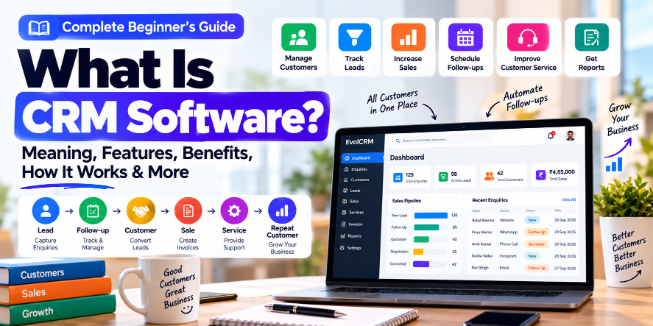
This is where CRM comes in. Customer Relationship Management software is essentially a tool that helps you track and organise every interaction with customers and prospects . It centralises contact details, conversation history, and purchase records into one place .
Here is the thing—small businesses are actually the least likely to adopt CRM systems, even though they need them most. Research from Metrigy's CX MetriCast 2025 study found that only 52.5% of companies with fewer than 250 employees use a CRM. In contrast, 78.4% of companies with 1,000 to 2,500 employees have one . That gap represents a competitive disadvantage.
Why Your Small Business Needs a CRM
Save Time and Reduce Busy Work
One of the biggest time-wasters in small business is repetitive administrative work. CRMs handle tasks like lead assignment, follow-up reminders, and routine replies automatically . Instead of spending hours digging through old emails to find a customer's last conversation, you can access everything instantly.
Centralise Customer Conversations
Your customers contact you through multiple channels. WhatsApp, email, Instagram, Facebook Messenger, phone calls. Without a unified system, it is easy to miss context. A CRM brings every interaction into one timeline, so you are never searching through different apps to remember who you are talking to .
Gain Real Visibility Into Your Sales Pipeline
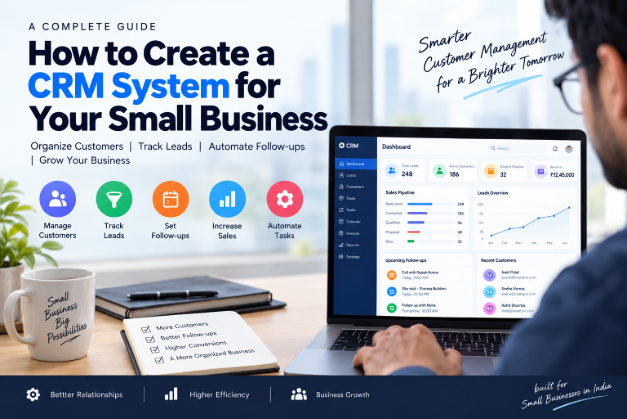
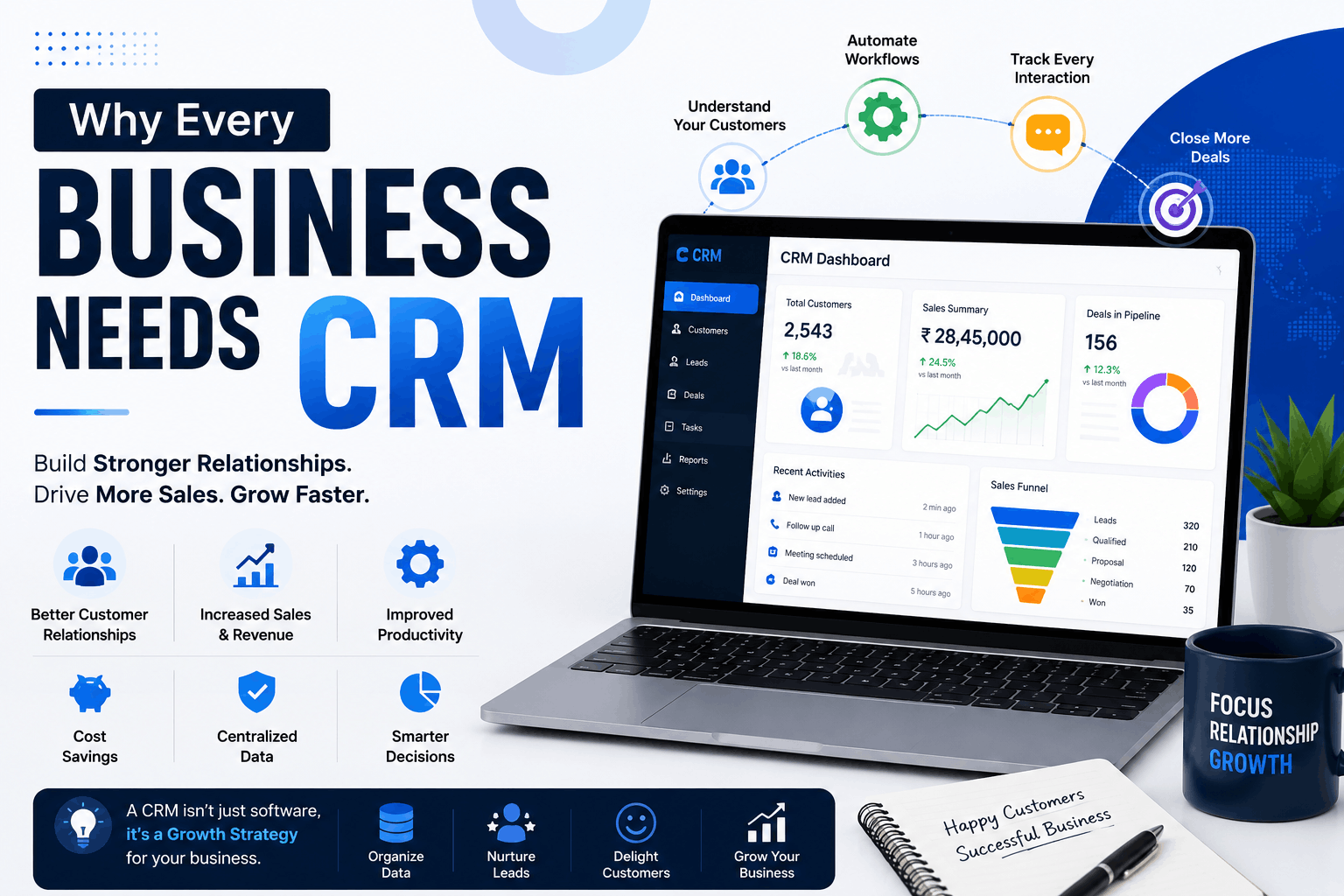
When you have a visual dashboard showing exactly where every potential deal stands, you can prioritise your efforts. Pipeline management is a core CRM feature that lets you see which deals are hot, which need attention, and which are stuck .
Make Data-Driven Decisions
Research published in the Sustainability journal in 2025 confirmed that CRM adoption in SMBs directly improves customer retention, sales performance, and operational efficiency . Another study found that SMBs using CRM systems see a 20% to 30% improvement in effectiveness, particularly in customer retention and service quality .
Key Features to Look For
You do not need every bell and whistle an enterprise CRM offers. Here is what actually matters for a small business.
Unified Contact Management
This is the core of any decent CRM. It stores all customer details and conversation history in one profile. No more digging through old emails or sticky notes .
Pipeline Management
A visual sales dashboard that shows every deal and its status. It helps you see what is about to close and what needs attention .
Automation
This is where time savings really add up. Look for tools that automate lead assignment, follow-up reminders, and repetitive tasks. Bonus points if the CRM includes AI features that further enhance efficiency .
Reporting and Analytics
You need straightforward reports on sales performance and customer trends. Not complicated spreadsheets with complex formulas—just clear insights .
Mobile Access
Your team is not always at a desk. Mobile access lets sales and service teams update records, check statuses, and manage tasks from their phones .
Ticketing and Service Management
This feature turns messy chat threads into organised tickets. It helps track requests, prioritise tasks, and measure performance .
What the Research Says About CRM Impact
Recent studies paint a clear picture. A 2025 peer-reviewed study published in the Sustainability journal examined 228 SMBs across different sectors. It found that systematic CRM organisation—the way customer data is structured in the system—had the highest impact on business performance .
The study confirmed that CRM usage promotes customer loyalty, increases customer lifetime value, and improves competitive advantage. Another study published in the International Journal of Progressive Research in Engineering Management and Science surveyed small business owners from retail, healthcare, education, and service sectors .
Each major metric—time savings, automated follow-ups, improved coordination, and complaint tracking—scored above 4.7 out of 5 on average. That is a strong signal that CRM adoption pays off quickly after implementation .
How to Choose the Right CRM
The number of CRM options can feel overwhelming. Here is a practical framework.
Step 1: Identify Your Real Problems
Before you Google "best CRM for small business," sit down and write out specific problems. "I need better organisation" is too vague. "I keep forgetting to follow up with leads who asked for a quote" is specific .
Being specific helps you focus on features that actually matter. It also stops you from getting distracted by flashy features you do not need .
Step 2: Consider User Adoption Above All
Staff resistance is one of the biggest reasons CRM implementations fail. And the problem is usually not the software itself—it is often a communication problem .
Your team might see the CRM as just another task or a tool for managers to track them. To prevent this, bring your team into the conversation early. Ask them what frustrates them about current processes and what would make their work easier .
Also, think about how you talk about the CRM. Instead of saying how it helps you as the owner, show what it does for them. For example, point out they will no longer have to dig through old emails to find notes from last month .
Step 3: Pick a Price That Fits
CRM costs vary widely. ClickUp starts at $7 per user per month, Zoho CRM at $9, and Salesforce at $25 with a free trial . The right choice depends on your team size and feature needs.
For most small teams, the entry tier should stay in the low double digits per user. Many CRMs also offer free plans that let you start at zero cost and prove the system works before any money changes hands .
Step 4: Plan for Growth, Not Just Today
The CRM that perfectly fits your 10-person team might break at 30 people. Evaluate platforms based on where you are headed, not just where you are now . This often means paying for capabilities you do not need immediately, but thinking of it as planning for the near future .
Step 5: Look for Easy Setup
At a small company, you do not have a dedicated IT team. Onboarding your CRM should be something a non-technical person can finish in a day, not a quarter . If it needs a consultant to stand up, it is probably the wrong fit at this stage.
Implementation Pitfalls to Avoid
Over-Engineering Too Early
Growing businesses often feel pressure to build perfect systems immediately. But you do not yet know what your scaled business actually needs. Premature optimisation wastes time building workflows you will abandon later . Start simple. Add complexity only when specific problems demand it.
Neglecting Data Quality
"We will clean it up later" seldom happens. Dirty data migrated to a new CRM is just dirty data in a new location. Invest time in data hygiene before, during, and after migration .
Rolling Everything Out at Once
You cannot afford to pause revenue activities for a perfect implementation. Phase your rollout to protect your growth engine while building better infrastructure around it .
Not Documenting Decisions
Six months from now, your team will not remember why you configured something a certain way. Document your implementation decisions, including what you considered and why you chose differently. This becomes invaluable when you need to modify things later or when team members leave .
Connecting CRM to Your Website and SEO
Here is a simple but often overlooked point. Search traffic should not stop at the website visit. When someone completes a contact form, your CRM record should preserve information about how the relationship began .
At minimum, this includes: the page where the visitor first arrived, the service they asked about, the form they used, their geographic area, and the date and time .
This context gives your sales and support teams a better starting point. Someone asking about emergency support needs a different response from someone downloading a general checklist. Both may appear as "website leads" in a basic CRM, but their intent is completely different .
A practical tip: Avoid using generic "How can we help?" form boxes. They produce vague messages that require another round of questions. A small number of well-chosen fields can make the first response much more useful .
Industry-Specific CRM Examples
Here is a quick look at some popular CRM options for small businesses in 2026.
ClickUp: Starts at $7 per user per month. Offers a free plan. Strong choice for teams that also need project management alongside CRM features .
EvolCRM: A flexible CRM solution designed for small and growing businesses, including pest control, home services, field service, and other service-based industries. EvolCRM can help businesses manage customers, leads, service schedules, contracts, job cards, invoices, technicians, reminders, reports, and more from a centralized platform. It also supports web-based administration and technician-focused workflows, making it suitable for businesses that need to manage both office operations and field teams. Custom CRM solutions are also available based on specific business requirements.
Zoho CRM: Starts at $9 per user per month. Free plan available. Known for flexibility and customisation. Good for businesses with complex sales cycles .
HubSpot: Free plan with no expiration date. Very strong when sales and marketing work closely together. Works well if lead generation involves forms, campaigns, website activity, and handoffs from marketing to sales .
Less Annoying CRM: Flat rate of $15 per user per month. Very simple and straightforward. Best for solo operators or very small teams that find most platforms too busy .
Salesforce: Starts at $25 per user per month with a free trial. The heavyweight option. Good for businesses that anticipate significant growth and need enterprise-grade features eventually .
Capsule: Free plan available. Starter from $18 per user per month. AI features available at higher tiers. Strong workflow automation for small teams .
Conclusion: A Competitive Advantage, Not an Expense
CRM adoption is not just about staying organised. Research shows it is a genuine competitive advantage for small businesses . The gap between businesses with and without a CRM is clear, and it directly affects customer retention, sales performance, and operational efficiency .
The most important thing is to start. You do not need the perfect system on day one. Begin with a single pipeline. Something simple with just a few stages. That is enough to get started, and you can always refine it later .
Focus on your current leads and start fresh. From that point on, make sure you enter every new contact into your CRM properly. You can gradually sort through the backlog when you are less busy .
The system that supports your first 12 months will likely look different from the system supporting your third year. That is fine. The goal is to grow, and a CRM is simply the tool that helps you manage that growth intentionally instead of reacting to chaos.
Keywords: CRM for small business, small business CRM guide, best CRM for small business, CRM software, customer relationship management, CRM benefits, CRM features, CRM implementation, CRM cost