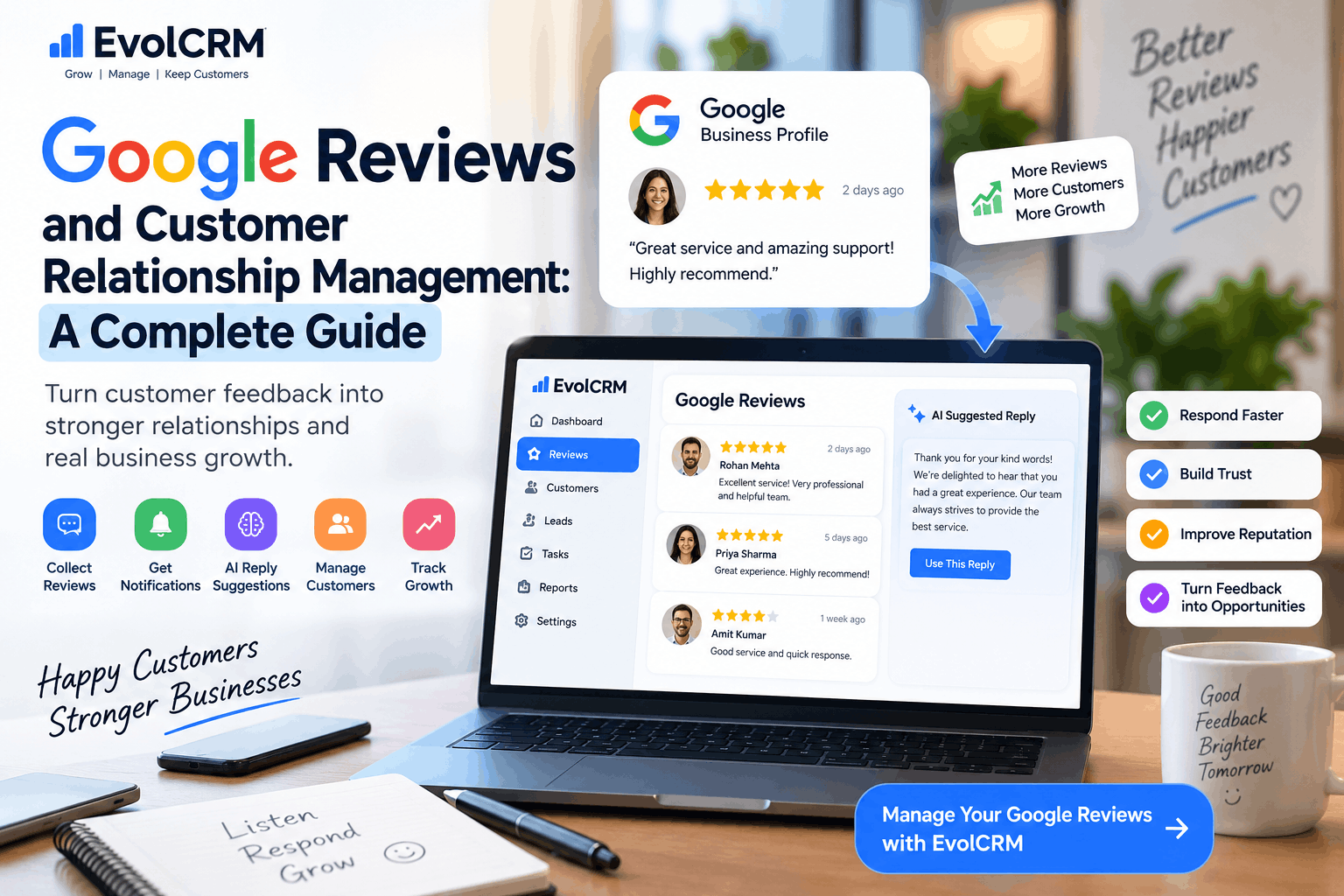
Your customers are talking about you. Every day, people leave feedback on Google that shapes how other potential customers see your business. These public reviews influence buying decisions, affect your local search ranking, and either strengthen or weaken customer trust.
For small businesses, those Google reviews represent a huge opportunity. They help you understand your customers better and allow you to build stronger relationships.
This guide shows you how Google Business Profile reviews connect to customer relationship management and explains practical ways to manage them through one streamlined process.
What Are Google Reviews?
Google reviews are public ratings and written feedback left by customers on your Google Business Profile. After someone finds your business through Google Search or Maps, they can leave a star rating and a comment detailing their experience.
To start receiving Google reviews, you must create and verify your Google Business Profile. As Google explains, this verification "protects the integrity of Business Profiles and confirms you are authorized to manage it" . Once verified, you control how your business appears in Search and Maps, including reviews, photos, hours, and other core details .
Your Google reviews appear publicly on your Business Profile, alongside the average star rating displayed in search results. Anyone looking for businesses like yours will see them and often use them as a deciding factor.
Why Google Reviews Matter for Customer Relationships
Google reviews influence how potential customers perceive your business before they ever contact you. According to BrightLocal's 2026 Local Consumer Review Survey, 41% of consumers say they always read reviews when looking for a local business—up from 29% the year before . Even more telling, 31% of consumers now only consider businesses with ratings of 4.5 stars or higher, compared to 17% in 2025 .
Here's why reviews matter beyond just looking good:
- They build trust quickly. More than half of consumers trust online reviews more than recommendations from friends and family, company claims, influencers, or media reviews .
- They improve local search visibility. Google considers review quantity, recency, and scores when determining local ranking for businesses .
- They help with AI search. Tools like ChatGPT, Perplexity, and Google's AI Overviews increasingly rely on reviews when answering local questions .
- They provide customer insights. Reviews work like free market research, revealing what customers genuinely value or dislike .
But reviews also help you maintain existing customer relationships. When you respond thoughtfully to feedback, you demonstrate that you value their opinion. That simple act reinforces their decision to choose you and makes them more likely to return.
Google Reviews vs Traditional Customer Feedback
Traditional feedback often stays private. A customer might mention an issue during a phone call or fill out a comment card that never reaches your team. Google reviews, on the other hand, are fully public. Anyone can read them, which both raises the stakes and increases the opportunity.
- Public visibility: Traditional feedback happens behind closed doors; reviews happen in public view where potential customers watch how you respond.
- Search influence: Reviews affect how you appear in search results; most traditional feedback doesn't.
- Customer expectations: More than half of consumers use reviews to decide whether to visit a website, contact a business, or make a purchase .
- Immediate action required: Traditional feedback can wait; reviews need responses within 24 hours to show you're paying attention.
The public nature of Google reviews makes good customer relationship management essential. When you respond well to a negative review, thousands of potential customers can see your professionalism.
What Is CRM and How Does It Relate to Google Reviews?
Customer relationship management (CRM) refers to the practices, strategies, and technologies businesses use to manage interactions with customers throughout the relationship lifecycle.
A CRM system serves as your central database for all customer-related information. It stores contact details, tracks communication history, manages sales pipelines, and often includes automation tools for follow-ups.
So where do Google reviews fit in?
When you connect your CRM with your Google Business Profile, you create a seamless flow of information:
- Review notifications appear alongside other customer activity
- Review response history becomes part of a customer's record
- Review sentiment can inform how you prioritise follow-ups
- Review patterns help you identify operational issues
This integration turns Google reviews from a separate task into a natural part of your customer management workflow.
Benefits of Managing Google Reviews with a CRM
Using a CRM for Google review management changes how you handle customer feedback. Here's what you gain:
Centralised Monitoring
Instead of checking your Google Business Profile separately, you see review activity right where you manage everything else. This reduces the risk of missing a review and ensures faster response times. As one CRM platform notes, "CRM platforms with built-in reputation management tools can consolidate these monitoring tasks into a single dashboard, saving significant time compared to checking each platform individually" .
Automated Notifications
Every new review triggers an alert so the right person can respond quickly. The 24-hour rule matters: quick responses show customers you're paying attention .
Improved Response Speed
Since reviews appear directly in your workflow, you don't need to remember to check Google separately. This helps you respond within 24 hours—a widely recommended best practice .
Better Customer Context
When a reviewer is already in your CRM, you can see their purchase history before responding. This lets you personalise your reply and address specific details from their transaction.
Seamless Follow-ups
When customers mention issues in reviews, you can create follow-up tasks directly in your CRM to resolve the problem and check back with them later.
How a Google Review-to-CRM Workflow Works
Here's what happens when you connect reviews to your CRM:
- A customer leaves a Google review on your Business Profile
- Your CRM receives the notification through API integration
- The review is linked to the customer's existing profile (or a new one is created)
- Your team gets an alert in their workflow
- You respond to the review from your CRM dashboard
- The response is posted back to Google
- You can set follow-up tasks based on review content
- Review data becomes available in your reports and analytics
This creates a continuous feedback loop. Every Google review contributes to your customer management and helps your team provide better service.
How to Handle Positive Reviews
Positive reviews deserve thoughtful responses. Many businesses skip this step, but replying to a 5-star review shows customers you value their feedback.
The golden rule? Always personalise your response. "Do not copy and paste the exact same response on every review," warns reputation management experts. "Reference the specific service, team member, or detail they mentioned" .
Use this framework for positive reviews :
- Thank them by name: "Thank you, [Name]!" to make it personal from the start
- Reference something specific: "We're so glad the same-day service worked out for you."
- Invite them back: "Ask for [employee name] next time—they'll take great care of you."
Here's a template you can adapt:
"Thank you, [Name]! We're so glad you had a great experience with [specific service/detail they mentioned]. That means a lot to the whole team. We'd love to see you again soon. Don't hesitate to reach out if there's anything else we can do for you."
Follow these best practices for positive review responses :
- Respond within 48 hours
- Reference something specific from their review
- Keep it brief—two to four sentences
- Include your name and title for a personal touch
How to Handle Negative Reviews
Negative reviews feel personal—but they're not. They're opportunities to demonstrate your professionalism to every future customer who reads your response. The goal is not to win an argument but to show future customers that you handle problems professionally and with care .
This four-step framework works for most negative reviews :
- Acknowledge the experience. Don't dismiss or minimise what the customer went through
- Apologise without admitting legal fault. "I'm sorry you had this experience" is honest and safe
- Offer to resolve it offline. Invite direct contact so the conversation moves private
- Include contact information. Give a phone number or email for resolution
Here's a template you can use:
"Thank you for sharing your feedback, [Name]. I'm sorry to hear your experience didn't meet your expectations. That's not the standard we hold ourselves to. I'd love the chance to make this right. Please reach out to us directly at [phone number or email] so we can work toward a solution together."
Critical rules for negative review responses :
- Respond within 24 hours—speed signals that you care
- Never argue or get defensive—future customers are reading
- Acknowledge the issue before explaining context
- Take the conversation offline—provide direct contact information
- Never reveal private details about the customer or transaction
- Follow up after resolution to ask if they would consider updating their review
How to Handle Neutral Reviews
Three-star reviews often get overlooked, but they represent a valuable opportunity. The customer hasn't had a terrible experience but also hasn't been impressed. They're the ones most likely to convert into loyal customers if you address their concerns.
For neutral reviews:
- Thank them for their feedback. Acknowledge their willingness to share
- Address their specific points. Ask for details about anything vague
- Offer to follow up privately. Let them know you want to improve their experience
- Show genuine interest in improvement. Ask if they'd be open to discussing further
The goal with neutral reviews is to show the customer that you care about their experience enough to make it right.
Using Notifications to Monitor New Reviews
You can't respond to reviews you don't know about. Setting up notifications ensures you see new reviews immediately. When your CRM includes Google review notifications, every new review appears directly in your workflow .
Manual checking has a significant downside. Weeks can pass before someone notices a new review, and that delay makes you look disengaged.
Automated review alerts let you:
- Respond within 24 hours for every review
- Catch problems early before they escalate
- Maintain a consistent response routine that becomes a habit
- Avoid the scramble of finding old reviews
Using AI to Draft Google Review Responses
Artificial intelligence can help draft responses to reviews, making the process faster and more consistent. An AI assistant can analyse the review content and produce a reply that matches your brand tone.
The best approach uses AI to generate a draft while you remain fully responsible for the final message. This combination gives you efficiency without sacrificing accuracy or authenticity. Businesses should always "follow Google's applicable policies and maintain appropriate human oversight and approval" when using automated tools.
Here's how this works in practice:
- A customer leaves a review
- AI analyses the review content and tone
- AI generates a suggested response
- You review, edit, and approve the response
- You post the final version
This gives you the speed of automation with the accuracy and authenticity of human oversight.
Why Human Approval Still Matters
While AI can draft responses, human oversight remains essential for several reasons:
- Accuracy: Automated tools sometimes misread tone or miss nuances
- Authenticity: Generic AI replies feel impersonal to customers
- Compliance: You need to follow platform policies
- Accountability: You are responsible for every public reply
- Relationship-building: Customers can tell if a response feels automated
The best approach combines AI efficiency with human judgment. The technology helps you work faster; you ensure every response maintains your brand voice and addresses the specific customer's concerns.
Google Business Profile and CRM Integration
Integrating your CRM with Google Business Profile helps you manage reviews more effectively. This functionality allows you to:
- Receive review notifications in your CRM workflow
- Link reviews to customer profiles for better context
- Respond directly from your CRM dashboard
- Track review sentiment trends over time
- Generate reports on review activity
The integration follows Google's API guidelines. The goal is to provide a seamless experience where review management fits naturally into your existing processes.
Common Google Review Management Mistakes
Avoid these common mistakes when managing reviews:
- Not responding to reviews. A silent business looks disengaged
- Generic responses. Using the same reply for every review feels automated
- Arguing with negative reviews. Public arguments damage your brand
- Slow responses. The 24-hour rule exists for a reason
- Ignoring neutral reviews. They're opportunities to improve
- Offering incentives for reviews. Google prohibits this practice
- Buying fake reviews. Google's algorithms will detect them
- Not screening for fake reviews. Some reviews may violate Google's policies
Best Practices for Managing Google Reviews
Here's a checklist for effective Google review management:
Set Up Your Business Profile Correctly
- Create and verify your Google Business Profile
- Confirm all business details are accurate
- Keep hours, photos, and services current
- Create your review link or QR code
Build a Review Request System
- Ask at the right moment—after positive experiences
- Make it frictionless with direct review links
- Use SMS for highest conversion rates—15-30% response rate
- Train your team on when and how to ask
Respond to Reviews Consistently
- Respond within 24 hours to every review
- Personalise each response
- Acknowledge specific points the customer mentioned
- Take negative conversations offline
- Never argue publicly
Use Reviews Strategically
- Display reviews on your website
- Share positive reviews in marketing materials
- Analyse review patterns for operational improvements
- Create reports on review trends
How EvolCRM Can Help Businesses Manage Customer Relationships
EvolCRM provides a platform that helps small businesses manage customers, leads, sales activities, and customer interactions in one place.
Bringing customer management and Google Business Profile activity into one workflow helps you:
- Receive review notifications alongside other customer activity
- Link reviews to customer profiles for complete context
- Respond to reviews through the EvolCRM interface
- Track review history as part of each customer's record
- Automate follow-up tasks based on review feedback
- Monitor review analytics and sentiment trends
EvolCRM's CRM software for small businesses helps you maintain consistent customer relationships across every interaction.
Frequently Asked Questions
1. Why are Google reviews important for customer relationships?
Google reviews build trust with potential customers, influence local search rankings, and provide insights into your customer experience . How you respond to reviews demonstrates your commitment to customer satisfaction.
2. How do Google reviews affect local search rankings?
Google includes review quantity, recency, and scores when determining local search prominence. More recent, positive reviews can improve your visibility .
3. How quickly should I respond to a Google review?
You should respond to all reviews within 24 hours. Quick responses show you're engaged and care about customer feedback .
4. How do I get my Google review link to share with customers?
From your Google Business Profile, select "Read Reviews," then "Get more reviews" to copy your review link. You can also download a QR code for in-store signage .
5. Can a CRM help me manage Google reviews?
Yes. A CRM with Google review integration can send notifications, help you respond from one dashboard, and link reviews to customer profiles for better context.
6. Should I respond to every Google review?
Yes. Google recommends replying to every review, positive or negative. Responses show you value customer feedback and are engaged with your business .
7. What should I do about a negative Google review?
Respond within 24 hours with empathy, acknowledge their specific issues, apologise sincerely, and move the conversation offline to resolve the matter privately .
8. How can I encourage customers to leave Google reviews?
Ask at the right moment—after positive experiences—and make it easy with direct review links sent via SMS or email . Never offer incentives that violate Google's policies.
9. How many Google reviews do I need before customers trust my business?
Twenty to forty-nine reviews is what 33% of consumers say a local business needs before they will trust it. Recent reviews matter most: 74% of consumers only care about reviews from the last three months .
10. Can I remove fake or inappropriate Google reviews?
If a review violates Google's content policies (e.g., fake reviews, hate speech, irrelevant content), you can flag it for removal. Not every negative review qualifies for removal .
Conclusion
Google reviews are more than just ratings on your Business Profile. They're public conversations that shape customer trust and buying decisions. Each review represents an opportunity to strengthen customer relationships through thoughtful, timely responses.
When you manage Google reviews through your CRM, you turn them from a separate task into a natural part of your customer management workflow. You respond faster, stay consistent, and use feedback to improve your business.
Whether you handle reviews manually or use tools to streamline the process, remember the fundamentals: respond to every review, personalise each response, and take negative conversations private. Your customers will notice—and your business will benefit.