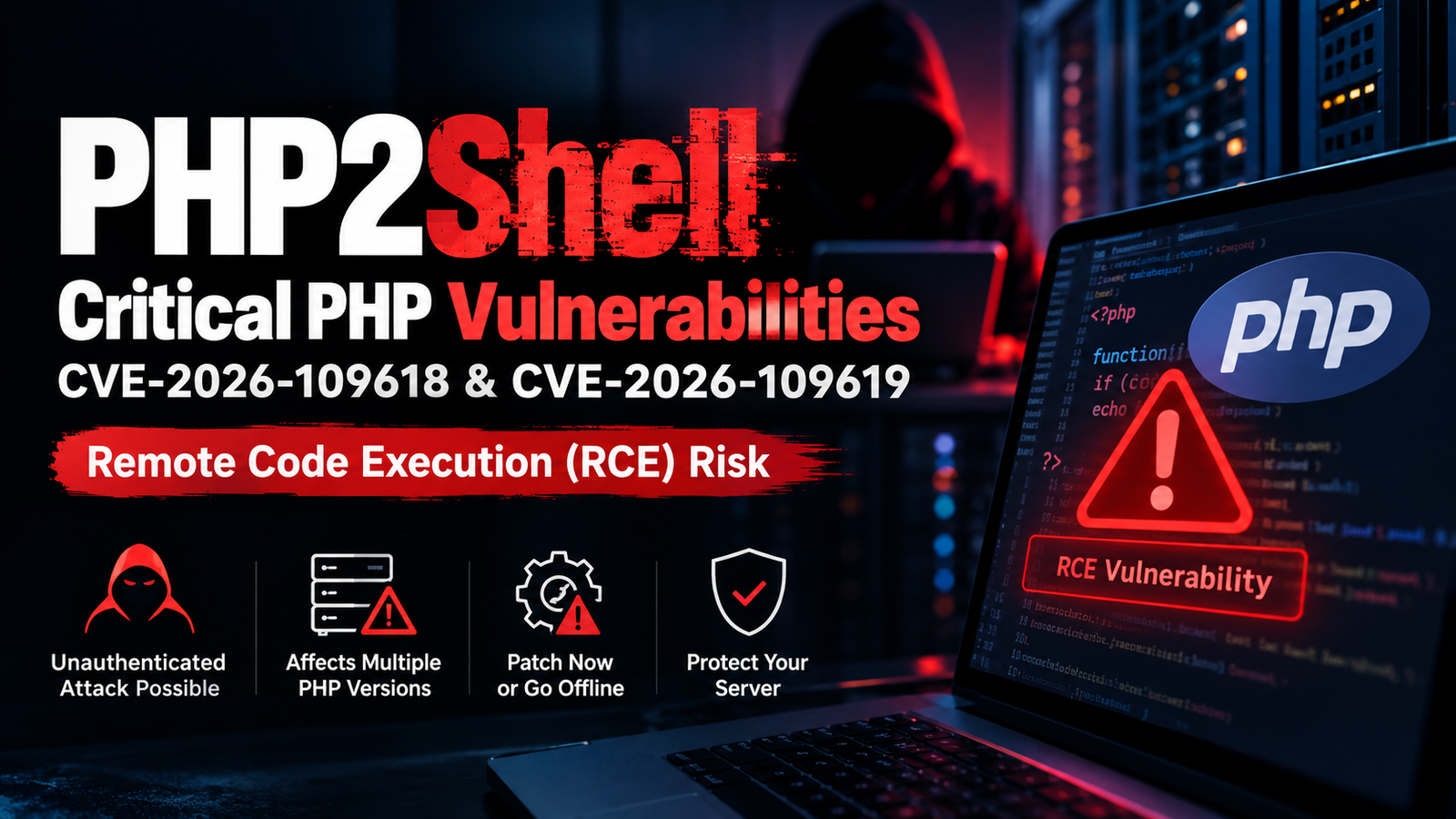
What is PHP2Shell? PHP2Shell is the nickname for two critical remote code execution (RCE) vulnerabilities in the PHP runtime itself, tracked as CVE-2026-109618 and CVE-2026-109619. Both carry a CVSS v4.0 score of 9.2 and can allow an unauthenticated remote attacker to execute arbitrary code on a vulnerable server .
Who needs to take action? Anyone operating a PHP runtime that serves web requests: developers, hosting providers, system administrators, and businesses running PHP applications on Apache, PHP-FPM, php-cgi, FrankenPHP, or LiteSpeed. The vulnerability affects the PHP engine, not a specific application or CMS plugin. Updating WordPress or your CRM alone will not close the gap .
What is the first recommended step? Identify every PHP runtime you operate and apply the official fixed release immediately. The PHP project released patches on October 21, 2026, in versions 8.5.12, 8.4.27, 8.3.36, and 8.2.35 .
Remote code execution is among the most severe classes of vulnerability because it can give an attacker the same privileges as the web server process, potentially leading to full server compromise, data theft, and lateral movement within a network.
Quick Security Checklist
- Inventory all PHP runtimes serving web traffic, including containers, control panels, and third-party appliances.
- Upgrade to PHP 8.5.12, 8.4.27, 8.3.36, or 8.2.35 or apply your vendor's backported security patch.
- Restart all PHP workers and web services after patching. Installing the package alone does not load the patched runtime into running processes .
- Disable
session.upload_progress.enabledas an interim measure if you cannot patch immediately . - Review logs for unusual multipart requests, memory-limit errors, and unexpected process execution.
- Rotate secrets (database passwords, API keys, tokens) if your server may have been exposed before patching.
What Is the PHP2Shell Vulnerability?
Direct answer: PHP2Shell refers to two memory-safety flaws in PHP's core request handling and error management code. Both can corrupt internal state in ways that allow a remote attacker to execute code without authentication, before application-level code even runs on Apache with mod_php .
CVE-2026-109618: Out-of-Memory Corruption
This vulnerability occurs when a request reaches PHP's memory_limit at precisely the wrong moment. PHP can leave partially initialized internal request data behind and later treat that broken data as valid, corrupting memory. On Apache with mod_php, PHP's security team describes a demonstrated exploit where an unauthenticated request triggers the flaw before any application code executes. Remote code execution was also confirmed on PHP-FPM through application-level code paths .
CVE-2026-109619: Stale Internal State
This flaw involves PHP's internal global state, which temporarily points into request memory. In certain scenarios, that state is not correctly reset or is repopulated after being freed. A subsequent request on the same worker may read or branch on this stale state, leading to use-after-free conditions and confirmed remote code execution against a real-world application on Apache with mod_php .
The PHP Foundation has publicly acknowledged that the fix was delayed due to structural challenges in the security team's decision-making process and resource constraints, despite the root cause being identified as early as 2024 .
Which PHP Versions Are Affected?
Direct answer: According to the PHP project and multiple national CERT advisories, the vulnerabilities affect PHP installations serving web requests on releases before the fixed versions. This includes end-of-life branches. The fixed releases are PHP 8.5.12, 8.4.27, 8.3.36, and 8.2.35 .
PHP 8.1 and older are end-of-life and will not receive official upstream patches. However, some Linux distributions and vendors may backport fixes to their packaged versions. You should check your distribution's security advisory or your hosting provider's announcements rather than assuming the version number matches upstream PHP.
PHP installations embedded in containers, control panels (such as cPanel and Plesk), vendor appliances, and third-party products may require separate updates. Do not assume that updating your application framework patches the underlying runtime.
Which Servers and PHP Configurations Are at Risk?
Direct answer: All common PHP execution models are potentially affected, though the attack surface and exploitation reliability vary by configuration.
Apache with mod_php is described by PHP's security team as the highest-risk configuration, with a demonstrated unauthenticated exploit that executes before application code runs . PHP-FPM is also at risk, with confirmed RCE through application-level code paths. php-cgi, FrankenPHP, and LiteSpeed deployments are likewise listed as at-risk by multiple sources .
An internet-facing server should not be considered safe simply because it uses a different PHP execution model. The flaws reside in PHP's core memory management and error handling, which nearly every request touches regardless of the SAPI in use .
How to Check Your PHP Version
Direct answer: Use the command line to check the CLI version, but verify the web-facing runtime separately, as they may differ.
For command-line access, run:
text
php -v
This reports the CLI PHP version. The version used by your website may be different, especially on shared hosting or systems with multiple PHP installations.
For hosting control panels, open the PHP configuration or version-management section, identify the PHP version assigned to each domain and subdomain, and check all relevant applications. If you cannot see the runtime version, contact your hosting provider.
Do not leave a publicly accessible phpinfo() page on a production website. If you create one temporarily for verification, remove it immediately after use.
How to Fix PHP2Shell
Direct answer: The only complete remediation is to upgrade to an official fixed PHP release or apply a verified vendor-backported patch, then restart all PHP workers and web services.
- Identify all PHP installations and internet-facing applications, including containers, appliances, and third-party products.
- Confirm the actual PHP runtime used by each application, not just the CLI version.
- Back up application files, databases, and configuration securely before making changes.
- Apply the official fixed PHP release (8.5.12, 8.4.27, 8.3.36, or 8.2.35) or your vendor's verified backport.
- Restart PHP workers and web services. The patch does not take effect until the runtime is reloaded .
- Confirm the runtime is running the patched build using
php -vor a temporary verification script. - Test important application functionality to ensure compatibility.
- Review logs for signs of suspicious activity that may have occurred before patching.
- Record the patch date and verify all domains and environments are covered.
Important: Updating WordPress, a PHP framework, or application code alone does not patch the PHP runtime. The vulnerability lives below the application layer.
What If You Cannot Patch Immediately?
Direct answer: Temporary measures reduce risk but do not eliminate it. The PHP project states that updating is the only complete mitigation.
If immediate patching is not feasible:
- Disable session upload progress by setting
session.upload_progress.enabled=0inphp.inior the PHP-FPM pool configuration, not viaini_set()or.user.ini. Restart all workers after the change. Public research suggests this can break at least one known exploitation path, but it is not a complete fix . - Block multipart/form-data requests at the web server or proxy layer if your application does not require file uploads or multipart form processing. This reduces attack surface but is not a substitute for patching.
- Isolate affected systems from public networks when operationally practical.
- Contact your hosting provider urgently if you do not control the runtime.
- Maintain active security monitoring and preserve logs.
Do not assume that a WAF, CDN, or configuration change guarantees protection. Follow current vendor guidance rather than relying on improvised mitigations.
Can Cloudflare or a WAF Protect Against PHP2Shell?
Direct answer: A WAF provides defense in depth but cannot fully compensate for an unpatched PHP runtime.
Network-layer filtering can block known attack patterns and raise the cost of exploitation. However, these vulnerabilities are triggered in PHP's core memory management and error handling, often before application code executes. Request filtering cannot reliably detect or stop every path to triggering the flaw.
Cloudflare has published WAF rules that it describes as an additional layer of defense in depth, protecting only traffic that passes through its network . Patching remains essential. A WAF should be viewed as a supplementary control, not a replacement for the security update.
What Should Shared Hosting Customers Do?
Direct answer: If you do not control your server, your primary responsibility is to verify with your hosting provider whether the PHP runtime has been patched and to take protective action if it has not.
- Check the PHP version assigned to each website in your hosting control panel.
- Ask your hosting provider whether the runtime has been patched and whether vendor backports are applied.
- Request an estimated remediation time if the system remains vulnerable.
- Consider temporarily restricting public access to your site if the provider cannot mitigate an exposed system and your business can tolerate downtime.
- Do not attempt to upgrade the operating system or restart services if you lack the required permissions. This can disrupt other customers or violate your hosting agreement.
The UK's National Cyber Security Centre has advised that where immediate remediation is not feasible, organizations should consider taking the system offline until it can be fully mitigated .
How to Protect a PHP/MySQL CRM or Business Website
Direct answer: The PHP2Shell patch is the essential first step. Layered defensive practices reduce the impact of future vulnerabilities but do not replace runtime patching.
- Maintain supported PHP versions and plan upgrades before branches reach end-of-life.
- Keep frameworks, libraries, and CMS plugins updated through a repeatable process.
- Restrict administrative access by IP address or VPN where possible.
- Use least-privilege service accounts for database and file system access.
- Protect credentials and secrets; avoid hardcoding them in web-accessible files.
- Maintain tested, off-site backups that can be restored quickly.
- Monitor web server and PHP logs for anomalies.
- Review unexpected file modifications in the web root.
- Secure file uploads with validation, storage outside the web root, and strict permissions.
- Separate production and development environments.
- Establish a repeatable patching process with clear ownership and deadlines.
These practices improve overall security posture but do not patch PHP2Shell. The runtime update is non-negotiable.
Signs That May Justify a Security Investigation
Direct answer: Patching a vulnerable server does not automatically remove a compromise that may have already occurred. Investigate if you observe indicators consistent with post-exploitation activity.
Possible warning signs include:
- Unexpected PHP or web-server worker crashes, or repeated memory-related fatal errors.
- Unusual multipart HTTP requests followed by HTTP 500 responses.
- Unexpected processes launched by web services (for example,
sh,bash,python,curl, orwgetappearing as child processes ofapache2orphp-fpm). - Unrecognized PHP files or modifications to existing files in the web root.
- Unfamiliar scheduled jobs, cron entries, or user accounts.
- Unexpected outbound network connections from the web server.
These signals are not definitive proof of exploitation. If you suspect compromise, preserve logs, isolate the system, rotate secrets that the PHP process could access, and seek professional incident-response assistance where appropriate.
PHP2Shell FAQ
1. What is the PHP2Shell vulnerability?
PHP2Shell is a nickname for two critical RCE flaws in the PHP runtime, CVE-2026-109618 and CVE-2026-109619, that can allow unauthenticated attackers to execute code on vulnerable servers .
2. What are CVE-2026-109618 and CVE-2026-109619?
CVE-2026-109618 is an out-of-memory handling flaw that can corrupt internal request data. CVE-2026-109619 is a stale-state flaw where internal state points to freed memory and is reused by a later request .
3. Which PHP versions are affected?
PHP versions before the fixed releases: 8.5.12, 8.4.27, 8.3.36, and 8.2.35. PHP 8.1 and older are end-of-life and will not receive upstream patches; check for vendor backports .
4. Which PHP versions contain the fixes?
PHP 8.5.12, 8.4.27, 8.3.36, and 8.2.35, released October 21, 2026 .
5. Is PHP-FPM affected?
Yes. Remote code execution was confirmed on PHP-FPM through application-level code paths .
6. Is Apache mod_php at risk?
Yes, and it is described as the highest-risk configuration, with a demonstrated unauthenticated exploit that executes before application code runs .
7. Can a PHP vulnerability lead to complete server compromise?
Yes. RCE in the PHP runtime can give an attacker the privileges of the web server process, potentially enabling data theft, lateral movement, and further system compromise.
8. Does updating WordPress fix PHP2Shell?
No. The vulnerability is in the PHP runtime, not in WordPress or any plugin. You must update PHP itself .
9. How can I check my PHP version?
Run php -v on the command line, and check the PHP version assigned to your domains in your hosting control panel. The CLI and web-facing versions may differ.
10. What should I do if my hosting provider has not patched PHP?
Ask for confirmation of patch status and an estimated remediation time. If the system remains vulnerable and your business can tolerate downtime, consider temporarily restricting public access.
11. Can a WAF fully prevent PHP2Shell?
No. A WAF can provide defense in depth, but it cannot reliably stop a flaw triggered in the PHP engine before application code executes. Patching is the only complete mitigation.
12. What should I do if I suspect exploitation?
Preserve logs, isolate the system, rotate secrets the PHP process could access, and seek professional incident-response help.
13. Are PHP 8.1 and older still supported?
No. PHP 8.1 and older are end-of-life and will not receive official upstream security updates. Check whether your OS vendor or hosting provider supplies a backported fix, or migrate to a supported branch.
14. Can I safely wait until my next scheduled maintenance window?
For an internet-facing vulnerable system, no. The PHP project and multiple national cybersecurity agencies urge immediate patching. Delay increases exposure to a critical, remotely exploitable flaw.
Conclusion
PHP2Shell is a serious reminder that the security of your application stack depends on the runtime beneath it. CVE-2026-109618 and CVE-2026-109619 are not application bugs that can be patched with a CMS update or a plugin fix. They live in PHP itself, and every request that reaches a vulnerable runtime carries risk.
The fixed releases—PHP 8.5.12, 8.4.27, 8.3.36, and 8.2.35—are available now. If you operate PHP on an internet-facing system, verify its patch status, restart your workers, and check for signs of prior compromise. If you rely on a hosting provider, ask them directly whether the runtime has been patched and what backports are in place.
Check every PHP runtime you operate, verify its patch status against official advisories, and contact your hosting provider if you cannot update it yourself.