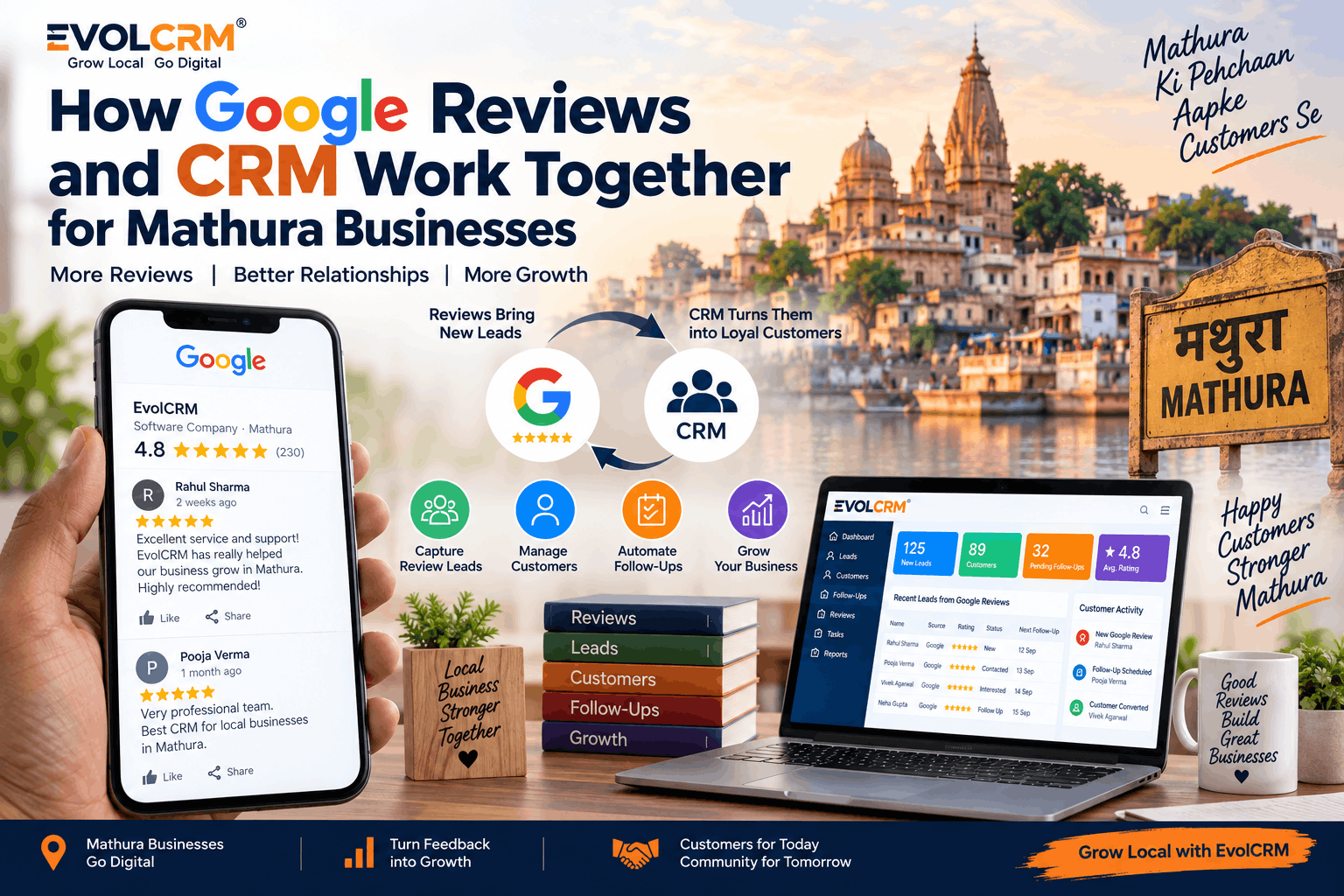
For small and medium businesses in Mathura, Google Reviews have become a significant factor in how local customers choose where to eat, shop, or seek services. At the same time, managing leads, customers, and follow-ups requires a structured approach. Combining Google Reviews with a CRM (Customer Relationship Management) system is a practical way to handle both reputation and customer relationships more effectively.
Why Google Reviews Matter for Mathura Businesses
Mathura is a city with diverse business activity — from retail stores and restaurants near the Krishna Janmabhoomi area to automobile dealerships, coaching institutes, and healthcare clinics across the city. For any of these businesses, Google Reviews are one of the first things potential customers check.
When someone searches for a "restaurant near me" or "real estate agent in Mathura," the businesses that appear in Google Maps with a higher rating and more reviews tend to get more attention. Even for a service provider like an electrician or a home-service business, reviews often determine whether a customer makes the call or moves on to the next listing.
Beyond just attracting new customers, reviews provide direct feedback about products and services. A customer who leaves a detailed review can highlight something the business is doing well — or a problem that needs attention. Responding professionally to these reviews shows potential customers that the business cares about service quality.
For Mathura businesses, including those in hospitality, retail, and real estate, managing reviews well is no longer optional. It's part of maintaining a strong local reputation.
What Is CRM Software?
CRM stands for Customer Relationship Management. In simple terms, CRM software is a tool that helps businesses organize and manage their interactions with customers, leads, and prospects.
A good CRM provides:
- Lead Management – A place to track potential customers from the first enquiry through to conversion.
- Customer Records – A centralized view of each customer's contact information, purchase history, and communication history.
- Sales Pipeline – A visual way to track where each lead is in the sales process.
- Follow-Up Reminders – Alerts and tasks to ensure timely follow-ups with leads and customers.
- Communication History – Records of emails, calls, and meetings, all in one place.
- Reporting – Insights into sales performance, customer activity, and team productivity.
For Mathura businesses, CRM software offers a structured way to manage customer relationships instead of relying on scattered spreadsheets, notebooks, or memory.
How Google Reviews and CRM Work Together
The connection between Google Reviews and CRM is not about automatically pulling review data into the CRM for every business. However, there is a valuable conceptual workflow that many businesses can adopt to improve their customer management and review response process.
Here's how the workflow can look:
Customer Interaction – A customer interacts with the business, purchases a product, or uses a service.
Review Left on Google – The customer leaves a review, positive or negative, on the Google Business Profile.
Business Receives Notification – The business is notified of the new review through Google's review notification feature.
Review is Recorded in CRM – The business can log the review event in the CRM, linking it to the customer's profile. This may be a manual entry or through a notification-based workflow.
Customer Context Retrieved – Using the customer's name or details from the review, the business can pull up the customer's history, orders, and past communications in the CRM.
Response Drafted and Sent – The business can craft a personalized response, informed by the customer's history in the CRM.
Follow-Up Scheduled – If the review is negative or contains a service issue, the CRM can be used to create a follow-up task to resolve the matter privately.
This workflow helps businesses avoid managing reviews in Google and customer information in a completely separate system.
Benefits of Connecting Google Reviews With CRM
Connecting the review management process with a CRM offers several practical benefits.
Faster Review Monitoring – When reviews are part of the workflow, businesses become more aware of new feedback.
Better Customer Follow-Up – CRM helps schedule follow-ups for customers who leave reviews, especially if an issue needs to be addressed.
Organized Customer Information – Review-related notes can be added to customer profiles, building a complete history.
Easier Review Management – Instead of toggling between platforms, the CRM becomes the central place for customer-related activities.
Improved Customer Service – Staff can respond to reviews with full context of the customer's history with the business.
Better Visibility into Customer Feedback – Review themes can be tracked and analyzed alongside other customer data.
More Consistent Responses – Using customer history helps create responses that are relevant and professional.
Better Sales and Customer Relationship Management – Review feedback can reveal opportunities for follow-up sales or service improvements.
How to Manage Positive Google Reviews
A positive review is an opportunity to strengthen the relationship with a satisfied customer.
Key steps:
- Thank the customer and acknowledge their time and positive feedback.
- Personalize the response by referencing specific products or services mentioned in the review.
- Keep it professional while maintaining a warm and appreciative tone.
- Encourage continued engagement without being pushy or overly promotional.
Examples for Mathura businesses:
A retail store in Mathura could respond with: "Thank you for your kind words. We are glad you found the product you were looking for at our Mathura store. We hope to see you again!"
A cafe near the Krishna Janmabhoomi area might reply: "We really appreciate your review. It's wonderful to know you enjoyed your time at our cafe. We look forward to serving you again."
A real estate office could say: "Thank you for sharing your experience. We are pleased that our team could help you find the right property in Mathura. We're here whenever you need us."
How to Handle Negative Google Reviews
Negative reviews can be difficult, but they also offer a chance to show professionalism and resolve issues.
Key steps:
- Do not argue publicly – the review platform is not the place for a debate.
- Acknowledge the concern and show that you understand why the customer is unhappy.
- Apologize when appropriate – a genuine apology can go a long way.
- Move to a private channel by politely suggesting the customer contact the business directly to resolve the issue.
- Record the feedback in the CRM and log any associated tasks to address the issue.
- Follow up with the customer after resolving the issue to check if they are satisfied.
Examples for Mathura businesses:
A restaurant could respond: "We are sorry to hear about your experience. We take feedback seriously and would like to understand more. Please contact our manager at [phone number] so we can address your concerns directly."
An automobile business might reply: "Thank you for your feedback. We apologize for the inconvenience. We value your business and would appreciate the chance to resolve the issue. Please reach out to our service team."
A health clinic could say: "We are sorry that your experience did not meet expectations. We take patient feedback seriously and would like to discuss this further. Please call our clinic in Mathura at your convenience."
How CRM Helps With Customer Follow-Ups After Reviews
Once a review is received, the CRM can help organize follow-up activities.
Creating follow-up tasks becomes easier when a customer reports an issue – the CRM can create a task for the sales or service team.
Recording customer interactions allows all communications with the customer, including follow-up calls and emails, to be logged in the CRM.
Tracking leads is also possible – if a review comes from a new customer, the CRM can be used to track their journey through the sales pipeline.
Managing sales stages works well for businesses like real estate, where follow-ups on review-related enquiries can be tracked through the sales funnel.
Maintaining customer history means review details can be linked to the customer's profile for future reference.
Google Review Notifications and CRM Workflows
Google offers notification features for new reviews on a Google Business Profile. This means businesses can receive alerts when a customer leaves a review.
The notification of a new review is a valuable tool that helps businesses know about new feedback quickly.
Bringing the event into the CRM is the next step – businesses can use the notification as a trigger to open the customer's record in the CRM and prepare a response or log the feedback.
It is important to distinguish between receiving a notification about a new review and automatically importing the full review text and customer details. Review notifications are available, but businesses should be clear about the capabilities of their Google Business Profile and CRM integration.
Can AI Help Businesses Respond to Google Reviews?
Yes, AI can be a useful tool for drafting review responses.
AI can assist with faster response drafting by generating a response draft based on the review context. It helps maintain a consistent tone that aligns with the brand across responses. AI can also provide personalized suggestions using the review content to include relevant details. Handling different review types becomes easier as AI can draft responses for positive, negative, and neutral reviews.
Important note: AI-generated drafts should always be reviewed and approved by a human before being published. This is especially important for negative or sensitive reviews where the response needs to be handled with care. No business should rely on automated posting without proper authorization and oversight.
Google Reviews + CRM for Different Mathura Businesses
Real Estate – A property buyer leaves a review about their experience. The CRM opens the client's profile, the sales team logs the review, schedules a follow-up for any outstanding service, and notes the feedback for future marketing.
Restaurants – A diner leaves a review mentioning a dish they loved. The CRM allows the team to record this preference. A follow-up can be scheduled for a future promotional offer or a birthday reminder.
Hotels and Guest Houses – A guest posts a review about their stay. The CRM logs the feedback and creates a task for the housekeeping or front desk team to address any complaints. Positive reviews can be used to encourage repeat bookings.
Retail – A customer reviews a product purchase. The CRM connects the review to the customer's purchase history, making it easier for the team to thank them or offer a complementary product in the future.
Healthcare – A patient shares feedback about a consultation. The CRM records the feedback in the patient's file. Follow-up tasks can be scheduled for any medical follow-ups.
Coaching Institutes – A student or parent leaves a review. The CRM links this to the student's record, and a follow-up task is created to discuss the student's progress or address any concerns.
Automobile Businesses – A service customer reviews their experience. The CRM opens the customer's service history, and a follow-up is scheduled for the next service reminder.
Home Services – A customer who had an electrical or plumbing job done leaves a review. The CRM connects this to the job record and schedules a follow-up to ensure everything is working properly.
What Metrics Should Businesses Track?
It is useful for Mathura businesses to track relevant metrics from both Google Business Profile and their CRM.
The number of new reviews helps track the volume of reviews received over time. Review rating trends allow monitoring of average rating changes. Response activity shows how quickly reviews are being responded to.
Customer feedback themes help identify recurring complaints or praise. Lead conversion tracks how many enquiries convert into customers using CRM data. Follow-up completion monitors whether follow-up tasks are being completed on time. Repeat customers data shows how many customers return.
It is important to distinguish between Google Business Profile metrics, which Google controls and displays, and CRM-generated business metrics, which the business tracks internally.
Common Mistakes Businesses Make With Google Reviews
Ignoring negative reviews is a common mistake that damages reputation. Using generic or copy-pasted replies makes responses feel impersonal and insincere. Taking too long to respond shows a lack of urgency and care.
Arguing with customers publicly creates a negative impression and escalates conflicts. Buying or manipulating reviews violates Google's policies and can result in penalties. Keyword stuffing in review responses makes replies sound unnatural and spammy.
Keeping customer information disorganized leads to missed follow-up opportunities and poor service. Automating sensitive responses without human oversight risks publishing inappropriate or incorrect replies.
How to Choose a CRM for Google Review Management
Businesses looking for a CRM to support their review management process should consider several features.
Customer management features are essential for maintaining organized records. Lead management tools help track potential customers through the sales process. Follow-up reminders and task creation ensure timely responses and actions.
Review notification integration or workflow support allows businesses to connect review events with CRM activities. Sales pipeline views provide visibility into where leads are in the conversion process.
Reporting and analytics offer insights into performance and customer behavior. User permissions allow team members to access appropriate information based on their role.
Automation capabilities help streamline repetitive tasks. AI-assisted response drafting with human approval workflows speeds up response creation while maintaining quality control. An easy-to-use dashboard ensures the system is accessible to all team members.
How EvolCRM Can Help Mathura Businesses
EvolCRM provides a simple and organized way for Mathura businesses to manage leads, customers, and follow-ups. It is designed to help local businesses structure their customer relationships and improve business processes without requiring extensive technical expertise.
EvolCRM supports lead and customer management, follow-up reminders and task tracking, and business process organization.
Businesses interested in streamlining their customer management and follow-up processes can visit https://evolcrm.in/ to learn more.
Frequently Asked Questions
What is the benefit of connecting Google Reviews with a CRM?
It helps businesses keep customer information and follow-up tasks organized after a review is left, leading to better customer relationships and more consistent responses.
Can a CRM help manage Google Reviews?
A CRM can help with the process of responding to and following up on reviews by providing customer context and task management, even if it does not automatically import every review.
How can Mathura businesses respond to Google Reviews faster?
Review notifications from Google can alert businesses to new reviews. Using a CRM to track responses and schedule follow-ups helps ensure timely action.
Can CRM software track customer follow-ups?
Yes, most CRM software includes tools for creating tasks, scheduling reminders, and logging follow-up activities with customers.
Can AI write Google Review responses?
AI can help draft response suggestions, but these drafts should be reviewed and approved by a person before publishing.
Is Google Business Profile useful for local businesses in Mathura?
Yes. It helps businesses appear in local search results and Google Maps, which is how many Mathura customers find local businesses.
What should businesses look for in review management software?
Look for tools that support customer management, follow-up reminders, and a simple way to track responses and feedback.
How can CRM improve customer relationships?
A CRM organizes customer history, tracks communication, and provides reminders for follow-ups, making interactions more personal and consistent.
Conclusion
For Mathura businesses, Google Reviews and CRM software serve different but complementary purposes. Google Reviews help build local reputation and bring in customers. A CRM helps organize leads, track follow-ups, and manage customer relationships systematically. When businesses bring these two areas together — even through a simple notification-based workflow — they can respond more effectively to reviews, follow up on customer feedback, and build a better customer experience.
Businesses in Mathura that want to get more organized with their customer management can explore CRM solutions such as EvolCRM to help structure their workflows and improve follow-up consistency.