Managing a pest control business in India today is different from what it was five years ago. Customers expect quicker responses, transparent service history, and digital communication. Technicians in the field need instant access to schedules and customer details without calling the office every ten minutes. And as your business grows, sticky notes and WhatsApp messages start to feel less like a system and more like a source of chaos.
This is where pest control software enters the picture. It is not just about replacing paper—it is about giving your team the structure they need to operate efficiently, manage a growing customer base, and keep service quality consistent.
This guide covers everything you need to evaluate pest control software in India. We will walk through the features that actually matter, provide a checklist for comparison, and help you decide what fits your business.
What Is Pest Control Software?
Pest control software is a specialized business management tool built for Pest Control Operators (PCOs). Unlike a generic CRM, it handles the unique needs of service-based pest management: scheduling technicians across routes, tracking chemical usage, managing recurring contracts, and automating customer communication.
Some solutions focus on specific niches, such as termite inspections or food safety compliance for commercial clients. Others offer a comprehensive suite covering everything from lead generation to payment reconciliation. The right choice for you depends on your business size and complexity.
Key Features to Look For in Pest Control Software
When evaluating pest control software, focus on the features that will directly impact your daily operations. Here is a breakdown.
1. Lead and Customer Management
Your software should be the single source of truth for every customer interaction—from the first inquiry to ongoing service history.
What to look for:
- Contact Profiles: Store customer details, property information, service history, and past communications in one place. This helps your team provide consistent, informed service even if the customer usually deals with a different technician .
- Lead Tracking: Capture leads from website forms, phone calls, and referrals. Assign them to sales reps and track conversion.
- Communication Log: Record all email, SMS, and call history so you always have context. This is especially important when multiple team members interact with the same client.
Why it matters: When you have complete customer histories, you can personalize service, avoid duplicate work, and handle seasonal demand fluctuations more effectively .
2. Scheduling and Technician Assignment
Scheduling is where pest control software can save you the most time and money.
What to look for:
- Route Optimization: The system should assign jobs based on technician location, skills, and availability to reduce travel time and fuel costs. This allows you to complete more service calls each day .
- Drag-and-Drop Calendar: Dispatchers should be able to easily reschedule jobs when emergencies come up.
- Real-Time Visibility: See where technicians are and what jobs are in progress. This helps with accurate ETAs and customer communication.
- Recurring Service Scheduling: Automatically schedule follow-up services based on contract terms (e.g., quarterly pest control) or service history (e.g., six-month AC servicing).
Example: A pest control company using software can set a quarterly pest control reminder for a residential client. The system automatically creates a new job every three months and assigns it to the right technician without manual intervention. This simple automation reduces administrative overhead and reduces the risk of missed appointments.
3. Technician Mobile App
A native mobile app is essential for field teams. It keeps technicians productive and reduces reliance on the office for information.
What to look for:
- Offline Access: Technicians can view job details, customer history, and service instructions even without internet, which is common in rural or basement areas [citation:3, citation:5].
- Service Logs: Record chemical usage, capture photos, and add digital signatures from the field. This creates a complete, auditable service record .
- Real-Time Sync: All data captured offline should sync automatically when connectivity returns.
- Communication: Allow technicians to message the office or customer directly from the app.
Example from the market: The SIPC Pest Control App offers features like task management based on allocated areas, real-time stock overview, attendance tracking, and direct payslip access for technicians—showing how mobile apps can handle both operational and administrative needs .
4. Job Cards, Contracts, and Documentation
Pest control involves more than one-off services. Recurring contracts and detailed job cards are the backbone of many operations.
What to look for:
- Job Cards: Digital job cards provide technicians with all the necessary details: customer information, service type, special instructions, and a checklist to complete on-site [citation:5, citation:8].
- Contract Management: Track contract start and end dates, renewal terms, and service schedules. Automated renewal reminders ensure you never miss an opportunity to retain a client.
- Service Reports: Generate professional service reports from the technician's job card. This is valuable for commercial clients who need documented proof of service.
- Compliance Documentation: Store safety data sheets (SDS), chemical labels, and inspection guidelines. Some apps offer access to product brochures and Material Safety Data Sheets directly [citation:1, citation:2].
Why it matters: Good documentation protects you in disputes, satisfies commercial client requirements, and builds trust through professionalism.
5. Invoicing, Payments, and Financial Tracking
Your software should help you get paid faster and with less manual effort.
What to look for:
- Automated Invoicing: Generate invoices automatically after a job is completed and marked as done .
- Payment Integration: Accept payments online or in the field. Some software integrates with payment gateways like Razorpay to allow on-the-spot collection with receipts sent via SMS [citation:5, citation:10].
- Financial Reporting: Track revenue, outstanding payments, and profitability per service type or customer.
- Multi-currency/Support: For Indian businesses, support for Indian Rupees and GST-ready invoicing is essential. Some software also offers support for Indian Rupees and GST-ready invoicing .
6. Notifications, Reminders, and Customer Communication
Proactive communication keeps customers happy and reduces no-shows.
What to look for:
- Automated Reminders: Send SMS or email reminders to customers before their scheduled service.
- Marketing Automation: Send promotional offers, seasonal tips, or renewal reminders to keep your business top-of-mind.
- Two-Way Communication: Allow customers to confirm appointments or ask questions through the same channel.
7. Reporting and Analytics
To grow your business, you need to understand your performance. Modern software provides analytics that helps you make informed decisions.
What to look for:
- Operational Reports: Track job completion rates, technician productivity, and customer satisfaction.
- Financial Reports: Analyze revenue trends, profitability by service line, and payment collections.
- Customizable Dashboards: Get a real-time view of key metrics that matter to you. Some platforms offer individualized dashboards to empower every team member with real-time updates of key performance metrics .
8. Inventory and Stock Management
For businesses that also sell products, tracking inventory is an important feature.
What to look for:
- Real-Time Stock Levels: Technicians can check available stock before heading to a job. This helps them avoid wasting fuel on a call they can't complete due to material shortages .
- Product Usage Tracking: Record which products are used on which jobs for accurate billing and inventory reconciliation.
- Low-Stock Alerts: Get notified when stock drops below a certain level.
Pest Control Software Comparison Checklist
Use this checklist to evaluate and compare different pest control software options objectively. Rather than making unsupported claims about competitors, we have focused on the key functional areas that matter for a pest control business.
Core Management Features
- ☐ Centralized customer database with complete history
- ☐ Lead management and pipeline tracking
- ☐ Contract management with renewal tracking
- ☐ Job costing and financial reporting
Scheduling & Operations
- ☐ Drag-and-drop scheduling calendar
- ☐ Route optimization
- ☐ Recurring job scheduling
- ☐ Technician assignment based on skills/location
Field Technician App
- ☐ Native mobile app (Android/iOS)
- ☐ Offline access to job details
- ☐ Digital service logs with photos/signatures
- ☐ Stock and inventory tracking
- ☐ Attendance tracking
Customer Management
- ☐ Automated appointment reminders (SMS/Email)
- ☐ Customer communication history
- ☐ Customer portal or self-service options
Invoicing & Payments
- ☐ Automated invoice generation
- ☐ Online payment integration
- ☐ GST-ready invoicing
- ☐ Financial reporting
Reporting & Analytics
- ☐ Operational performance reports
- ☐ Customizable dashboards
- ☐ Revenue and profitability analysis
Compliance & Documentation
- ☐ Service reports with chemical tracking
- ☐ Access to Safety Data Sheets
- ☐ Inspection guidelines and checklists
Types of Pest Control Software Available
The pest control software landscape in India is diverse. Here are the main categories you will encounter.
1. Comprehensive Business Management Software
These platforms attempt to cover most aspects of running a pest control business—from lead generation to payment reconciliation.
Examples: Breezeworks offers features like job scheduling, customer management, estimates, invoicing, in-app payments, and accounting integration. It is aimed at small to medium service businesses . Evolve positions itself as an easy-to-use platform that syncs back-office with a mobile field app, helping turn service businesses into subscription models . Hygisoft provides a complete 3D business management solution for quotes, contracts, and invoices, synchronized with tablets and customer portals .
2. Specialized Industry Apps
These apps focus on specific tasks like training, product information, or compliance, rather than full business management.
Pest Expert 360° by Envu is an example. This app offers Pest Control Operators (PCOs) features including a loyalty program with purchase history and points, a community newsfeed to share pest queries and experiences, product information and dosage calculators, training materials, and a store locator [citation:1, citation:2].
3. AI-Powered Solutions for Decision Support
Some newer platforms are using AI to support more complex operational decisions.
GullySystem advertises an AI-powered Pest Control Management System to help schedule treatments, track customer history, and ensure compliance efficiently . Similarly, pest control software is also being developed to provide national-level surveillance and support for major crops, using AI to identify pests and diseases .
How to Choose the Right Software for Your Business
The right software depends on your specific needs. Here is a practical framework to guide your decision.
Step 1: Define Your Needs
Make a list of your biggest operational pain points. Do you spend too much time on manual scheduling? Are you losing track of contract renewals? Are technicians wasting time calling the office for customer history? Use the checklist above to prioritize features that solve these specific problems.
Step 2: Check for Industry Fit
Some software is built for pest control specifically. Others are generic field service management tools. Pest-control-specific solutions are more likely to include features like chemical tracking, compliance documentation, and contract management.
Step 3: Assess User-Friendliness
Your team needs to actually use the software. The best features in the world are useless if adoption is low. Look for solutions that are intuitive and offer good training resources. Reviews often highlight this aspect. Breezeworks, for example, is noted for being "extremely user-friendly and intuitive" and having "great tutorials for all my guys in the field and office support team" .
Step 4: Consider Mobile Capability
If you have field technicians, the mobile app is as important as the back-end system. Test the app with a few team members before committing. Key considerations include offline functionality and ease of use on their phones.
Step 5: Review Security and Data Control
Pest control software handles sensitive customer data. Check privacy policies and data security practices. Some apps may not collect data from users, while others may require permissions as outlined in their privacy policies [citation:1, citation:2].
EvolCRM: A Modern Option for Pest Control Businesses
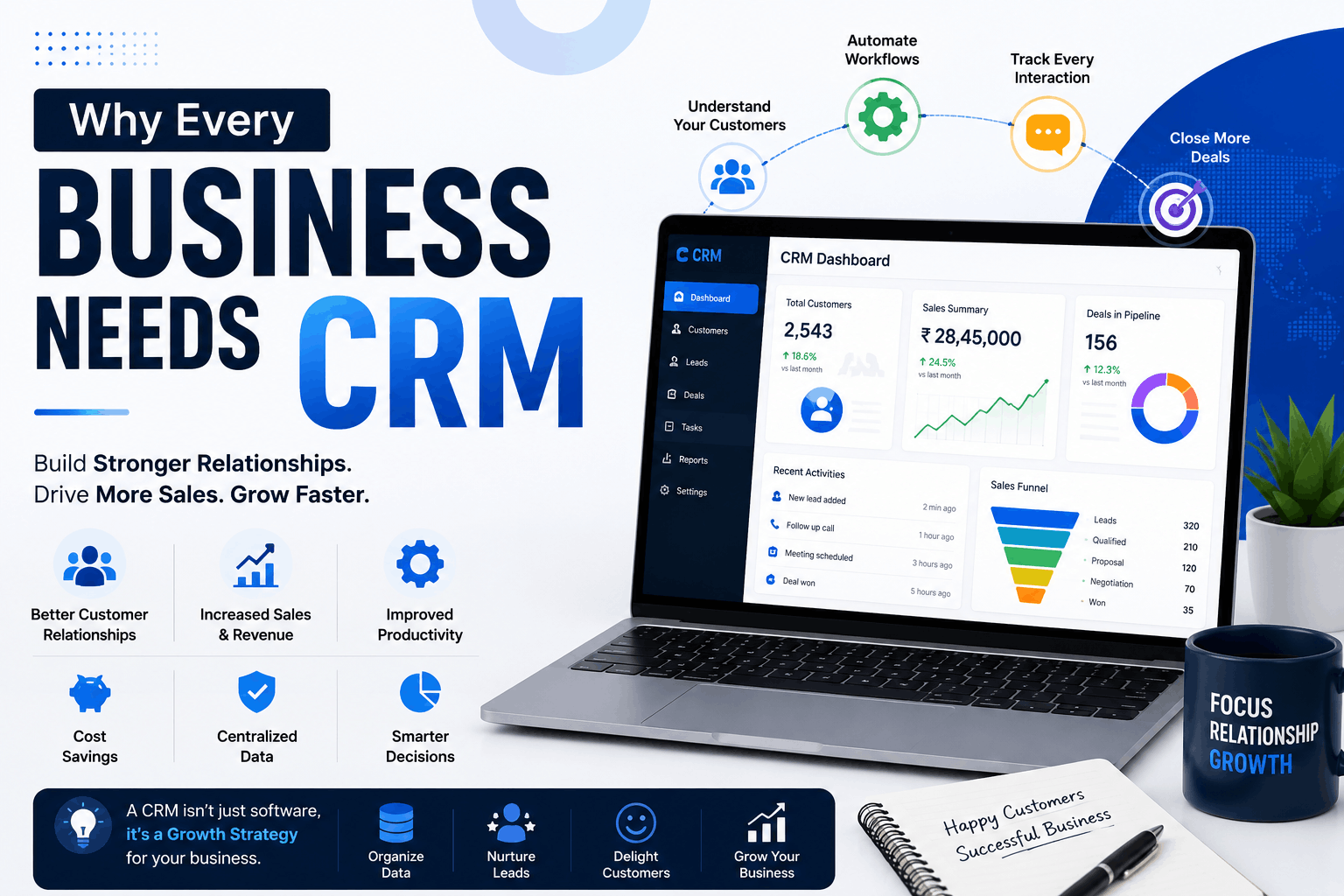
EvolCRM offers a modern, AI-powered CRM platform designed to help Indian pest control businesses manage customers, automate workflows, and close more deals . The company focuses on business management solutions for the pest control industry and other service sectors.
Key features relevant to pest control:
- Unified Inbox: Manage conversations from WhatsApp, Email, Facebook, Instagram, and Telegram in one place.
- Pipeline Management: Visual sales pipeline with drag-and-drop deal tracking.
- Automation: Automated lead assignment, follow-up reminders, and workflow triggers.
- AI Features: Intelligent suggestions and automated customer service.
- Service Scheduling: Manage appointments, service histories, and technician assignments.
- Reports and Analytics: Real-time visibility into sales performance and customer trends.
- Mobile Access: Field teams can access customer information and update records from anywhere.
Pricing: EvolCRM offers flexible pricing that avoids per-user fees, making it affordable for growing teams.
EvolCRM's approach is to provide a comprehensive platform that helps service businesses manage customers, automate workflows, and close more deals .
Frequently Asked Questions
What is the best pest control software in India?
There is no single "best" software—the right choice depends on your business size, budget, and specific needs. Evaluate options based on features like scheduling, mobile app functionality, and compliance tracking. The checklist above can help you compare options objectively.
How much does pest control software cost in India?
Costs vary widely. Some software charges per user per month (e.g., Breezeworks starts at $31.99/month), while others offer flat-rate or custom pricing. Many provide free trials to test before buying.
Can pest control software help with chemical tracking and compliance?
Yes. Many solutions allow technicians to log chemical usage on job cards, access Safety Data Sheets (SDS) directly, and generate service reports with treatment details [citation:1, citation:2, citation:5]. This is essential for regulatory compliance and commercial client requirements.
Do I need internet access to use pest control software?
Not always. Many technician mobile apps offer offline functionality, allowing technicians to view job details and complete service logs even without internet. Data syncs automatically when connectivity returns [citation:3, citation:5].
How long does it take to implement pest control software?
Implementation timelines vary. Simple cloud-based solutions can be set up in a few days, while more complex systems might take a few weeks. Look for software that offers good onboarding support.
Conclusion: Choose Software That Grows With You
Investing in the right pest control software is one of the most impactful decisions you can make for your business. It transforms a reactive, paper-based operation into a proactive, data-driven one. By implementing the right software, you can enhance your expertise, save time, and deliver a superior service that builds long-term customer loyalty.
The best approach is to identify your most critical pain points, use the comparison checklist to evaluate your options, and start with a free trial or demo. The system that supports your first 12 months will likely look different from the system supporting your third year. That is fine. The goal is to grow, and the right software is simply the tool that helps you manage that growth intentionally.
Ready to Modernize Your Pest Control Operations?
EvolCRM offers a modern, AI-powered CRM designed for Indian service businesses. Our platform helps you manage customers, automate workflows, and close more deals.
[Book a Free Demo →] — See how EvolCRM can streamline your operations in 30 minutes.
Related Resources:
Keywords: best pest control software in India, pest control software India, best software for pest control business, pest control business software, PCO software, field service management, pest management system